

One workspace, several owners
A workspace can now have several owners, like the whole management board, while the primary owner keeps the keys: deleting the workspace and changing owners.
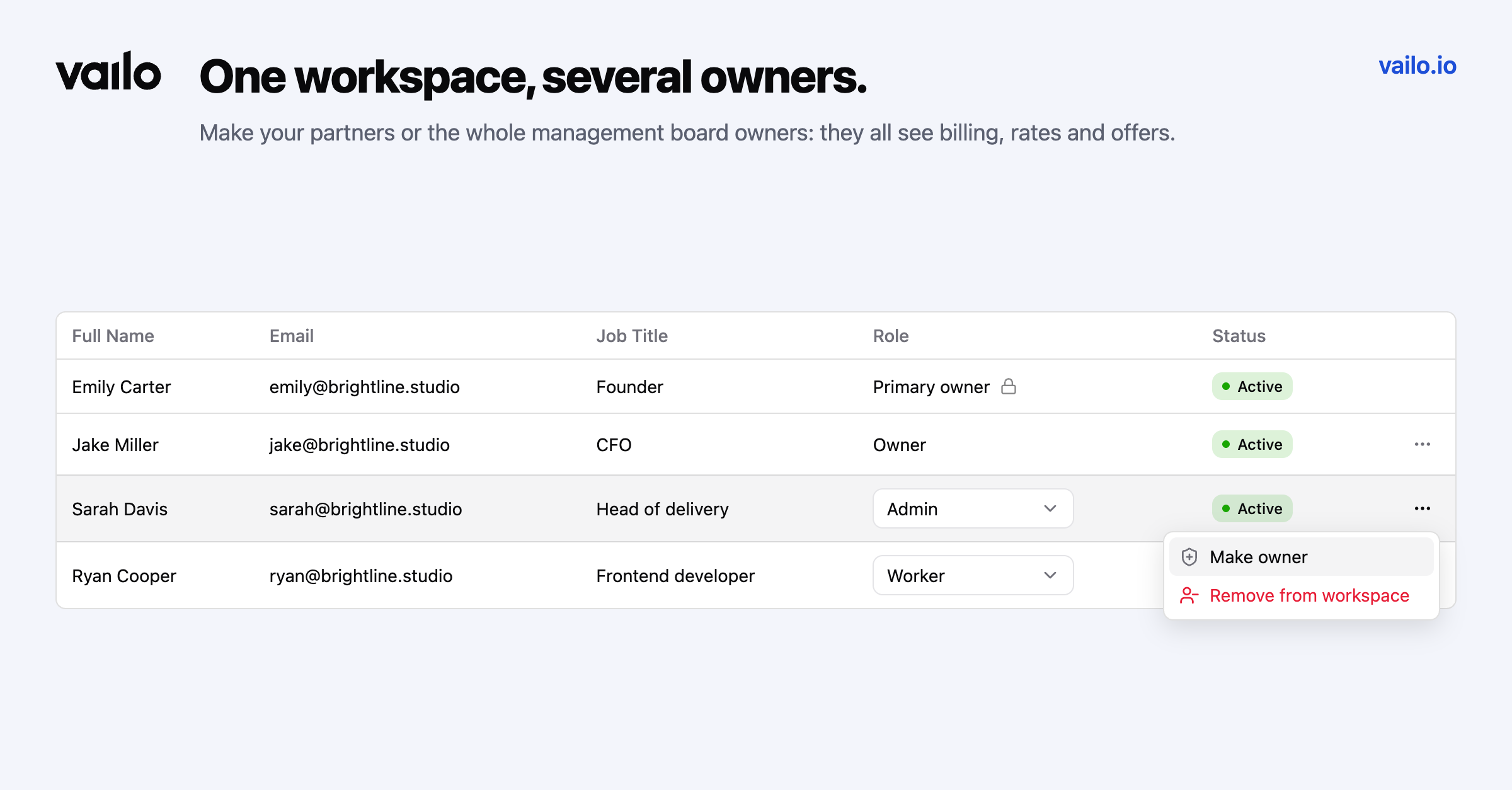
Companies are rarely run by one person, but until now a Vailo workspace had exactly one owner. Partners and board members had to settle for Admin, which manages people and projects but never sees money.
Make someone an owner
The primary owner, the person who created the workspace, opens Members, picks a person and chooses Make owner. Owners have full access: billing and plans, rates, offers and their approval, members and every setting.
One primary owner
A few things stay with the primary owner alone:
- deleting (deactivating) the workspace,
- making members owners or taking the owner role away,
- handing the primary role to another owner.
Nobody can remove the primary owner. When the role is handed over, the previous primary owner stays an owner with full access. Taking the owner role away makes a person an Admin.
On Premium, every change shows up in the audit log.