

Priority you can read without colour
Priority in Vailo is now a four-step meter, from one step for Low to four for Urgent, on the board, in lists, filters and task details.
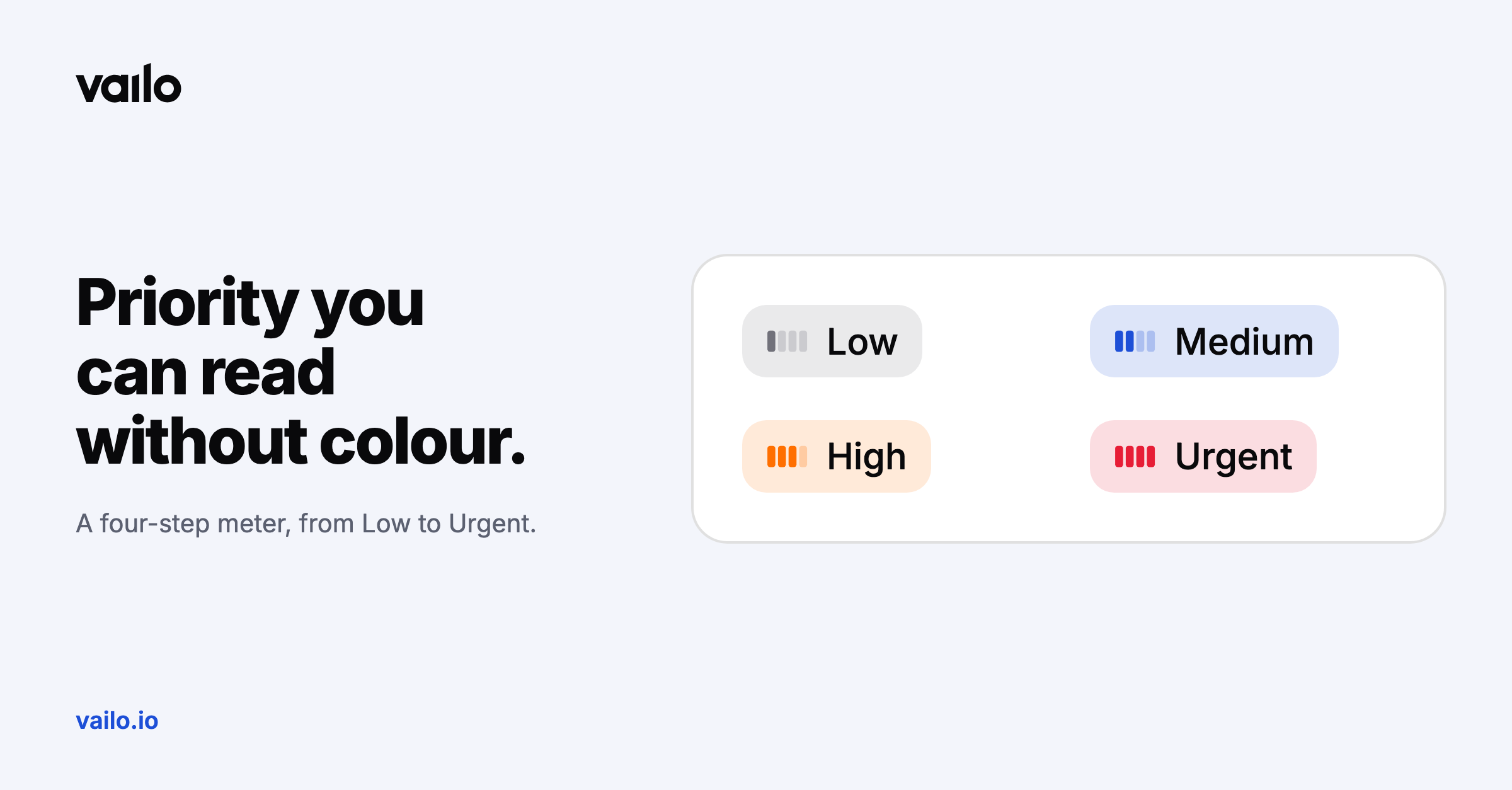
Red for urgent, orange for high. That works until someone on the team can't tell the colours apart.
A four-step meter
Priority in Vailo is now shown as a level meter: one step for Low, two for Medium, three for High and four for Urgent. You read the level from the number of steps, not only from the colour.
You'll find it on the board, in the task list, in filters and in task details, so priority looks the same everywhere.
A tidier task preview
The task preview got the same care. Status, priority, assignee and due date now sit in one row, and estimate, team, tags and reporter are listed below with their names. A due date is cleared from the date picker, an estimate by emptying the field.