

Meetings, from the conversation
Schedule a meeting from any chat conversation, and see who is on leave, who has a public holiday or another meeting before you send the invite.
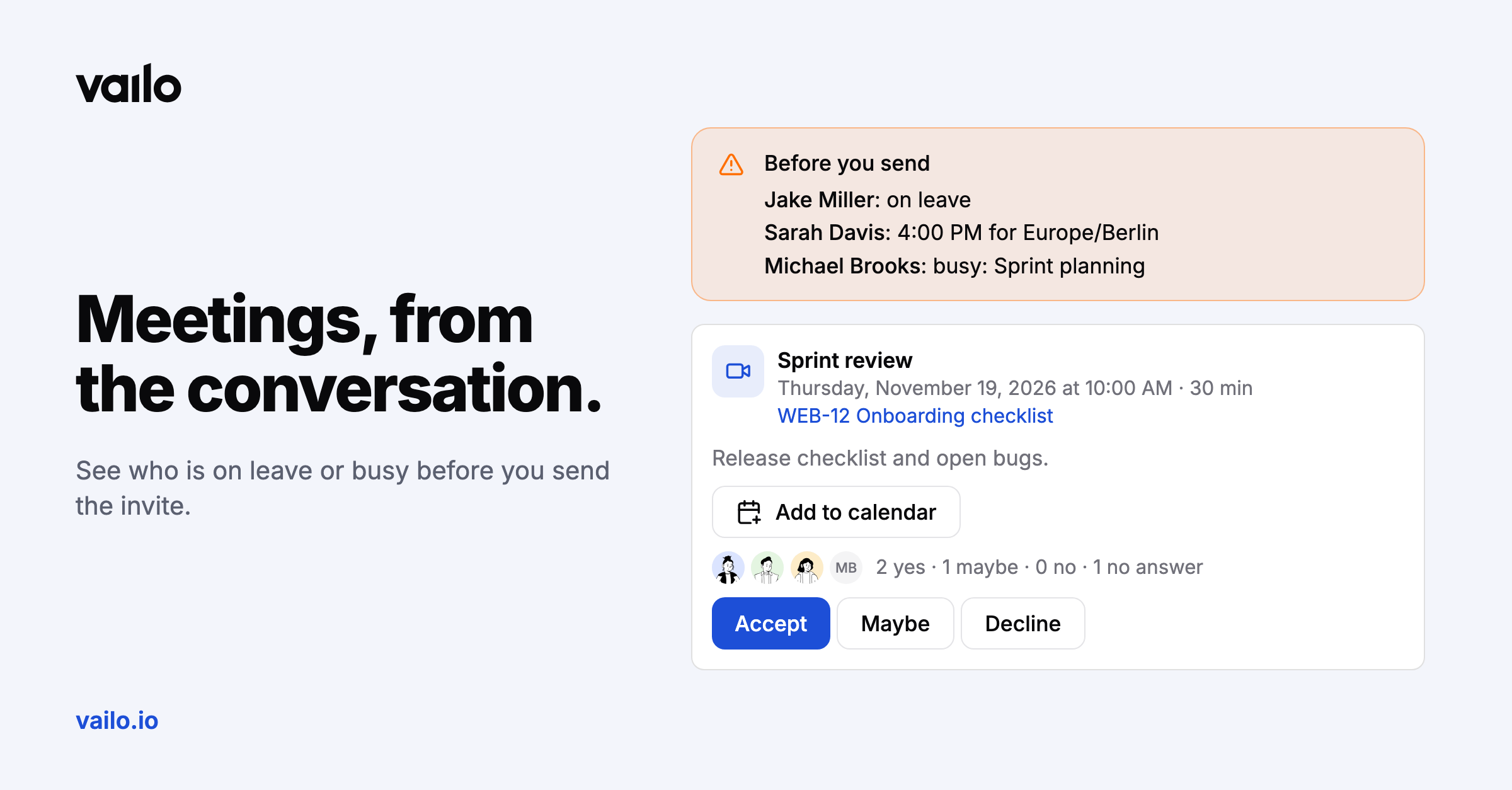
Before you invite five people to a meeting, wouldn't you like to know one of them is on leave?
Before you send
When you schedule a meeting from a conversation, Vailo shows:
- who is on leave, from approved time off,
- who has a public holiday that day,
- who is already busy with another meeting then,
- the local time for colleagues in other time zones.
Invites that take care of themselves
Participants get an e-mail with a calendar invite, answer Accept, Maybe or Decline, get a reminder 10 minutes before and a Join button on the meeting card. Edit or cancel the meeting and their calendars update.
Meetings and time tracking
Link a task to the meeting and log the meeting time to it afterwards in one click, on plans with time tracking.
All your meetings in your calendar
Subscribe once from the chat sidebar menu (Meetings in your calendar), and Google Calendar, Outlook or Apple Calendar keep every chat meeting you're invited to up to date, including moved and cancelled ones.
Meetings are available on every plan.