

Log time in one line
Type "yesterday 2h WEB-10 review" above your week and press Enter. Vailo reads the day, the time and the task, and shows how it read them before saving.
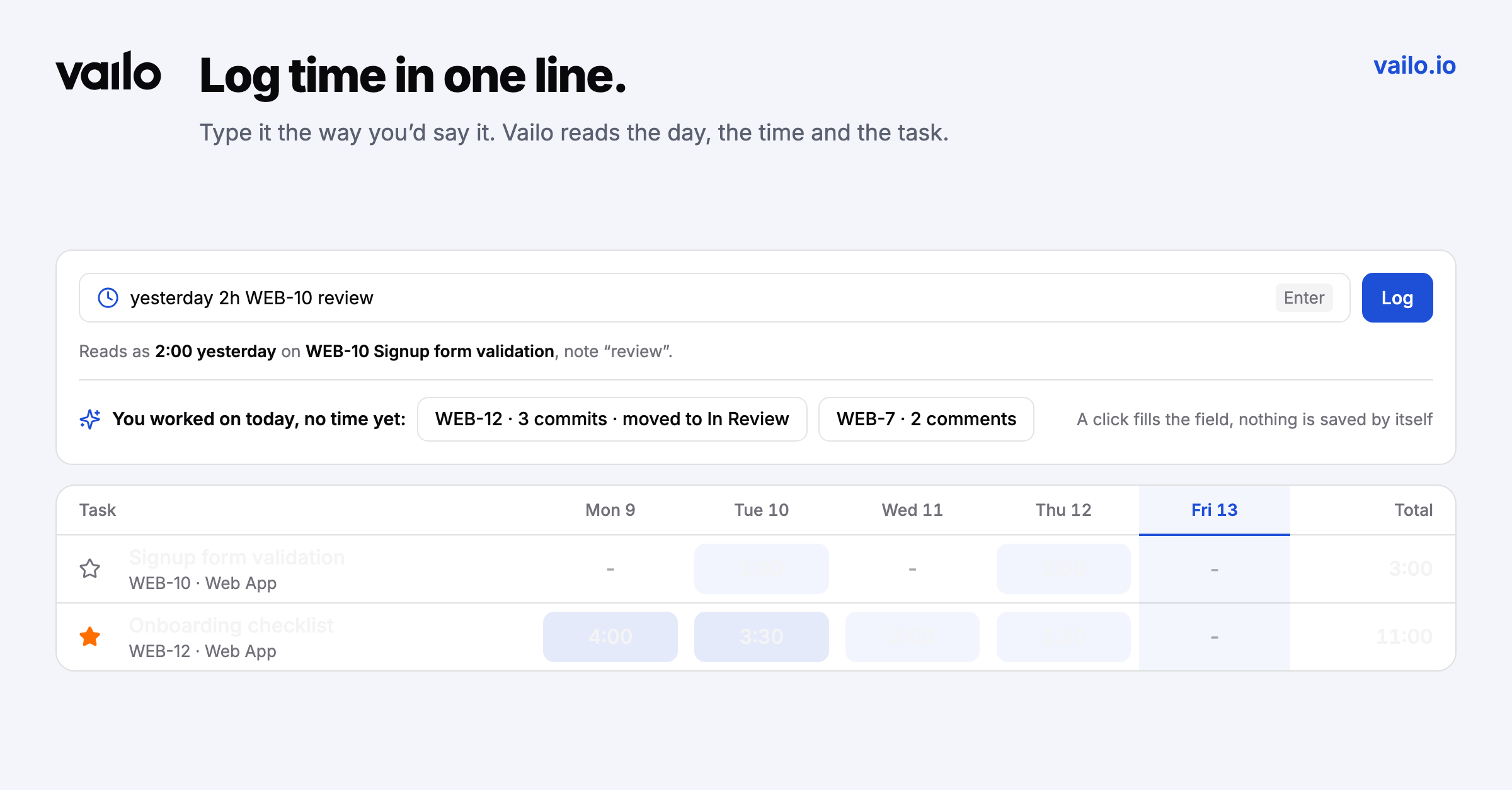
yesterday 2h WEB-10 review is a complete time entry.
Quick log
In My time, type a day, the time and a task code in any order above your week grid, then press Enter or Log. The rest becomes the note.
The line under the field shows how it was read, for example Reads as 2:00 yesterday on WEB-10 Signup form validation, note "review", so you see it before anything is saved. If something is missing, it tells you what: a task code, the time, or a day outside your editable window.
What you worked on today
Below the field, Vailo lists the tasks you worked on today (commits, status changes, comments) that have no time yet. One click fills the field. Nothing is saved by itself.
Timesheets are a chore when every entry takes a form. This one takes a sentence.