

Know who's around, without asking
Vailo chat shows who is online, who is on leave and what people are working on. Plus a status that clears itself and Do Not Disturb on a schedule.
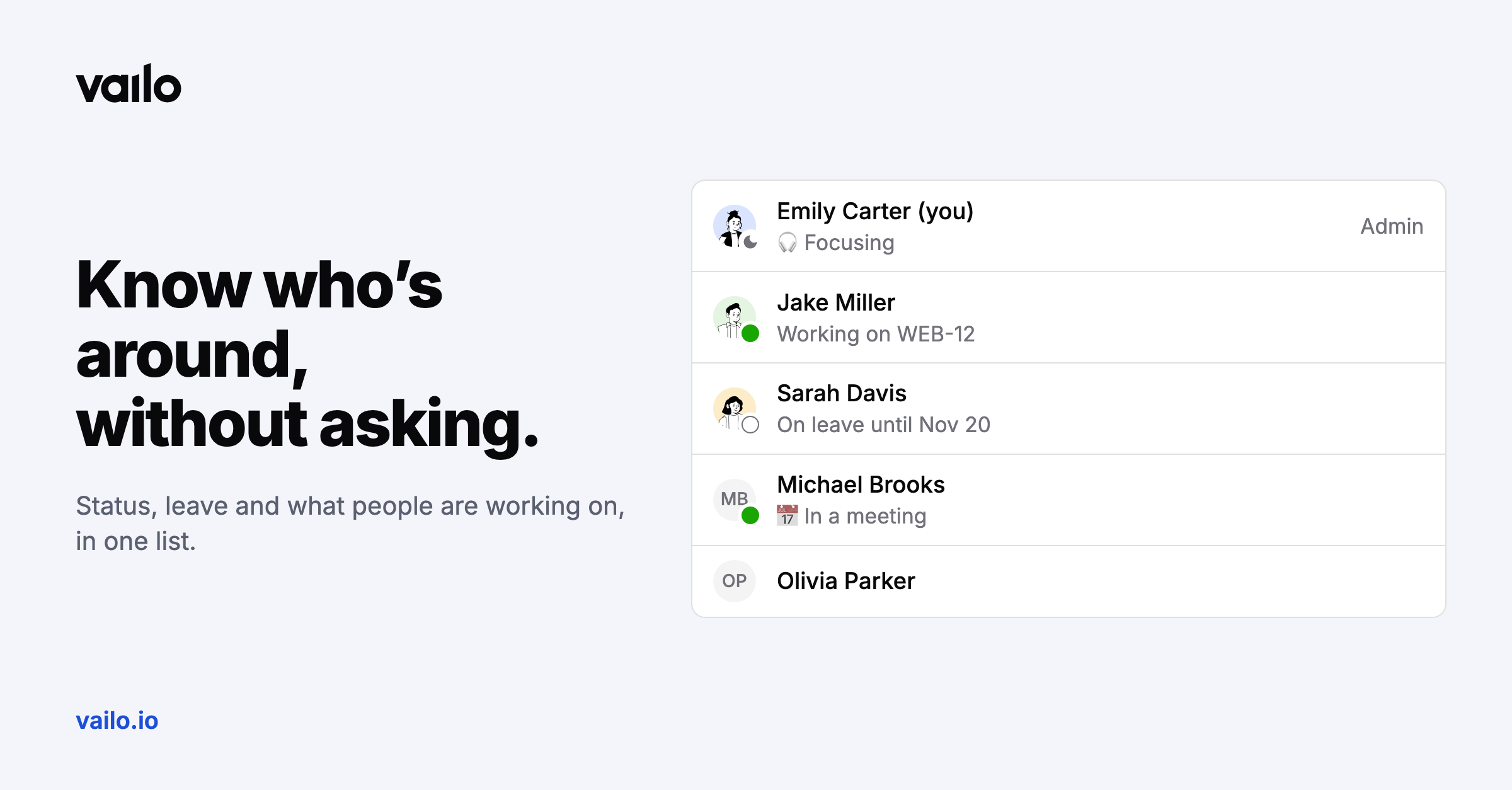
"Is Jake around?" is a question your tools should answer.
Presence that comes from the work
- Online and away dots next to people.
- On leave until Nov 20, taken from approved time off. It never shows the kind of leave.
- Working on WEB-12 while someone's timer runs, shown only to colleagues who can see the project. You can switch it off in Profile > Chat, and the same goes for read receipts.
Your status
Set an emoji and a short status that clears itself: in a meeting, commuting, out sick, on vacation, focusing. Colleagues see it next to your name.
Do Not Disturb
Pause notifications for 30 minutes, an hour, two hours or until tomorrow at 9:00, or every evening and weekend on a schedule in your own time zone. While it's on there are no sounds, browser notifications or chat e-mails, and colleagues see a moon next to your name.