

Calls and availability in chat
Call a colleague with one click, and choose how you appear: Automatic, Busy or Appear away.
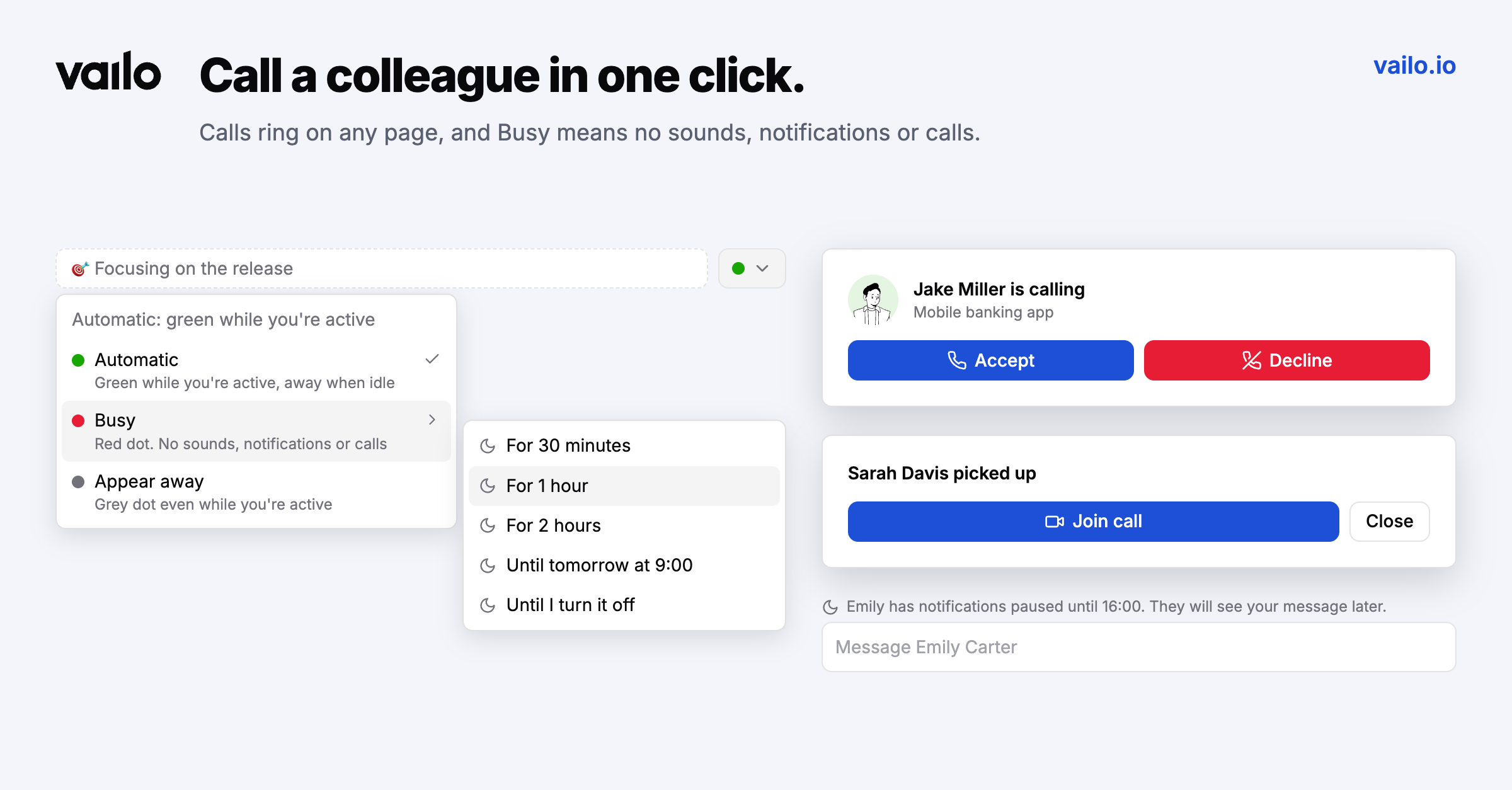
"Got a minute?" often works better as a call than as a message.
Call with one click
The phone button in the header of a direct message or group starts a video call that rings the others on whatever Vailo page they are on, with Accept and Decline.
- Nobody picks up in 30 seconds? The call is closed and stays in the conversation as a missed call.
- When someone picks up, you hear it and get a Join call button.
- People who are busy aren't rung, and you see that before you call.
Calls are available on every plan.
Choose how you appear
The small arrow next to your status at the top of the chat sidebar offers:
- Automatic: green while you're active, away when idle.
- Busy: a red dot for everyone. No sounds, browser notifications or calls, for 30 minutes, 1 or 2 hours, until tomorrow at 9:00 or until you turn it off. Unread counts still update.
- Appear away: a grey dot, even while you're active.
Write to someone who is busy and Vailo tells you: "Emily has notifications paused until 16:00. They will see your message later."
Sounds
Chat sounds are on by default, with a different tone for mentions, and Profile > Chat has a separate switch for call sounds.